A Simple Guide to Photo Editing Apps
Have you ever taken a picture and wished you could make it look a little better? Maybe it’s too dark, or you want to make the colors pop. That’s where photo editing apps can help. These are tools on your phone or computer that let you change and improve your pictures. You don’t need to be a professional photographer to use them. This guide will show you everything you need to know about using these fun and helpful apps.
We will talk about what these apps are and why they are so useful. We’ll look at some of the most popular ones you can download. We’ll also walk you through the basic tools, like cropping, adding filters, and adjusting brightness. By the end, you will feel confident using photo editing apps to make your pictures look amazing.
What Are Photo Editing Apps?
A photo editing app is a program on your phone, tablet, or computer that lets you make changes to your photos. Think of it like a digital toolbox for your pictures. After you take a photo, you can open it in one of these apps to fix mistakes or add creative touches.
Most people use these apps on their smartphones because it’s quick and easy. You can edit a picture right after you take it and then share it with friends and family. These apps are made for everyone, not just experts. They have simple buttons and sliders that make editing easy to understand.
Why Should You Use a Photo Editing App?
You might wonder why you need a special app to edit photos. Your phone probably already has some basic editing tools. While those are good for quick fixes, dedicated photo editing apps offer so much more.
Here are a few reasons why they are so popular:
- Make Your Photos Look Better: The main reason people use these apps is to improve their pictures. You can fix photos that are too dark or too bright. You can make colors look more vibrant. You can even remove small things you don’t want in the picture, like a stray object in the background.
- Show Your Creative Side: Editing isn’t just about fixing problems. It’s also about being creative. You can add cool effects, called filters, to change the mood of your photo. You can change a color photo to black and white for a classic look. The possibilities are endless.
- Easy to Use: Most photo editing apps are designed to be user-friendly. They use simple icons and controls that you can learn quickly. You don’t need to read a long manual to get started. Many apps also have tutorials to guide you.
- Share Your Best Work: We all love sharing photos with others on social media or through messages. Using an editing app helps you make sure your photos look their best before you share them. A well-edited photo can get more likes and positive comments.
- It’s Fun: Playing around with different editing tools can be a lot of fun. It’s a great way to experiment with your pictures and see what you can create. You might discover a new hobby you really enjoy.
Getting Started: Basic Editing Tools Everyone Should Know
When you first open a photo editing app, you might see a lot of buttons and options. Don’t worry. Most of the time, you will only need to use a few basic tools to make a big difference in your photos. Let’s look at the most common ones.
Why should you crop a photo?
- Remove distractions: If there’s something distracting on the side of your photo, you can crop it out.
- Improve the focus: Cropping brings the main subject of your photo front and center. If you have a picture of a person, you can crop in closer to their face.
- Straighten the picture: Sometimes we take pictures that are a little crooked. The crop tool usually has a straighten feature that lets you tilt the image until the horizon is perfectly level.
To crop a photo, you’ll see a box around your image. You can drag the corners or sides of the box to change its size. Everything outside the box will be cut away.
Adjusting Brightness and Contrast
Sometimes a photo comes out too dark (underexposed) or too bright (overexposed). Luckily, this is easy to fix with a photo editing app.
- Brightness: This tool makes the entire picture lighter or darker. It’s usually a slider. Moving it to the right makes the photo brighter, and moving it to the left makes it darker. A small adjustment can make a huge difference.
- Contrast: Contrast is the difference between the light and dark areas of your photo. Increasing contrast makes the dark parts darker and the light parts lighter. This can make your photo look more dramatic and “punchy.” Decreasing contrast makes the tones more even, which can create a softer, more muted look.
When you adjust brightness and contrast, make small changes at a time. It’s easy to go too far and make the photo look unnatural.
Playing with Color and Saturation
Color is another key part of what makes a photo great. Photo editing apps give you a lot of control over the colors in your pictures.
- Saturation: This tool controls the intensity of the colors. If you increase the saturation, the colors will become richer and more vibrant. A photo of a sunset can look amazing with a little extra saturation. If you decrease the saturation all the way, your photo will become black and white.
- Temperature (or Warmth): This slider changes the overall color tone of your photo. Moving it towards the yellow/orange side will make the photo feel “warmer,” like it was taken on a sunny day. Moving it towards the blue side will make it feel “cooler,” like it was taken on a cloudy day or in the shade. You can use this to correct the color or to change the mood of the photo.
Using Filters for Quick Effects
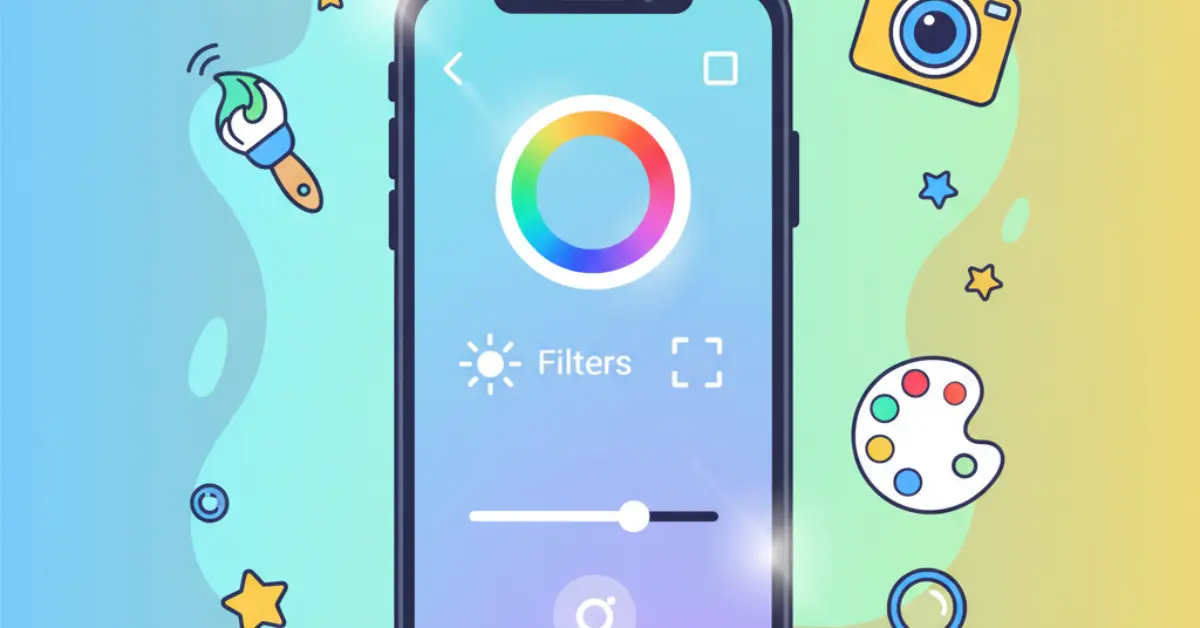
Filters are one of the most popular features in photo editing apps. A filter is a preset combination of edits that you can apply to your photo with just one tap. It can instantly change the look and feel of your picture.
For example, some filters might make your photo look old-fashioned, like it was taken decades ago. Others might make the colors extra bright and bold.
Filters are great for beginners because they do all the hard work for you. You can try out different filters until you find one you like. Many apps let you adjust the strength of the filter, so you can make the effect subtle or strong. They are a fast and fun way to give your photos a professional touch without having to manually adjust every setting.
Popular Photo Editing Apps You Can Try
There are hundreds of photo editing apps available for both iPhone and Android phones. Many of them are free to download and use, though some offer extra features for a price. Here are a few of the most popular and user-friendly apps to get you started.
1. Snapseed
Snapseed is a powerful and completely free photo editing app made by Google. It has a huge range of tools, from simple cropping and tuning to more advanced features. It’s a favorite for both beginners and more experienced photographers.
Why it’s great:
- It has a simple, clean layout that is easy to navigate.
- It offers a lot of control. For many tools, you can swipe up and down to choose an adjustment (like Brightness or Contrast) and then swipe left or right to change its strength.
- The “Selective” tool lets you edit just one part of your photo instead of the whole thing.
2. VSCO
VSCO (pronounced vis-co) is known for its beautiful, film-like filters. Many people who are serious about their social media photos love this app. It’s both a photo editor and a community where you can share your work.
Why it’s great:
- It has some of the most beautiful and subtle filters available.
- The editing tools are simple but powerful.
- You can copy edits from one photo and paste them onto another, which saves time.
VSCO offers a free version with a good selection of filters and tools. There is also a paid membership that unlocks hundreds of extra filters and more advanced editing options.
3. Adobe Lightroom for Mobile
You might have heard of Adobe Photoshop, the famous professional editing software. Adobe also makes a mobile version of its Lightroom program, which is a fantastic photo editing app. It is designed to be easy to use on a phone.
Why it’s great:
- It has very precise and high-quality editing tools.
- The free version is very capable and includes most of the tools you will need.
- It has excellent organizational features, helping you keep track of all your photos.
Lightroom is a great choice if you think you might want to get more serious about photo editing in the future.
4. Picsart
Picsart is more than just a simple photo editor. It’s a creative suite that lets you make collages, add stickers, draw on your photos, and much more. It’s perfect for people who want to get really creative and have fun with their images.
Why it’s great:
- It has a massive library of stickers, backgrounds, and templates.
- It’s great for making eye-catching pictures for social media.
- It has a fun, social aspect where you can join editing challenges.
- Picsart is a free app, but it offers a “Gold” subscription for access to more content and tools.
Simple Tips for Better Photo Editing
Now that you know about the tools and apps, here are a few simple tips to help you get the best results.
- Start with a Good Photo: Editing can make a good photo great, but it’s hard to make a bad photo good. Try to take clear, well-lit pictures to begin with.
- Don’t Over-edit: It can be tempting to turn all the sliders up to the maximum. However, the best edits are often subtle. A photo can start to look fake or strange if it’s been edited too much. Try to make your photo look like a better version of reality.
- The “Undo” Button is Your Friend: Don’t be afraid to experiment! Every photo editing app has an “undo” button. If you make a change you don’t like, you can always go back.
- Save a Copy: Most apps will save your edited photo as a new file, leaving your original picture untouched. This is great because you can always go back to the original if you want to try editing it in a different way.
- Look for Inspiration: Look at photos you admire on social media or websites. Try to figure out what makes them look so good. Is it the colors? The cropping? You can learn a lot by studying the work of others.
Conclusion
Photo editing apps are amazing tools that put the power of a photo lab right in your pocket. They let you fix common problems, express your creativity, and share your life’s moments in the best possible light. You don’t need any special skills to start. By learning a few basic tools like cropping, adjusting brightness, and using filters, you can transform your pictures from simple snapshots into beautiful images.
The best way to learn is by doing. Download one of the recommended apps, open a photo, and start playing with the tools. See what happens when you adjust the sliders and try out different filters. With a little practice, you’ll be editing your photos like a pro and creating images that you are proud to share.